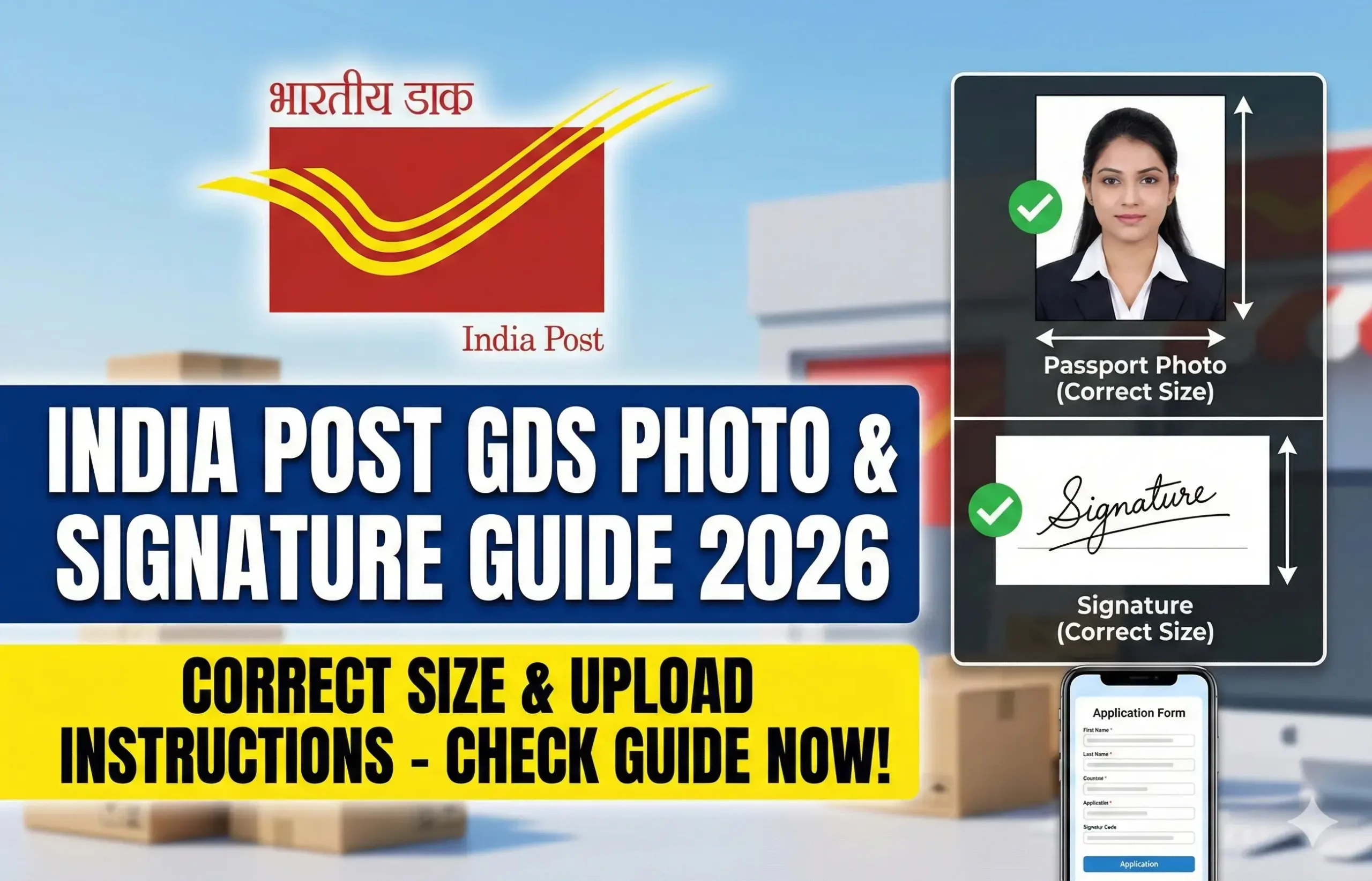
The India Post GDS Photo & Signature Guidelines 2026 are one of the most important parts of the online application process. Many candidates lose their chance of selection not because of eligibility issues, but due to incorrect photo or signature uploads. The online system used by India Post strictly checks image size, format, clarity, and background.
Why India Post GDS Photo & Signature Guidelines 2026 Are Important
The photo and signature uploaded during the GDS application process are used for:
- Identity verification
- Document authentication
- Merit list processing
- Future joining formalities
Even a small mistake such as wrong file size or unclear signature can lead to automatic rejection. That is why understanding the India Post GDS Photo & Signature Guidelines 2026 is essential before applying.
Once the application form is submitted, no correction window is provided for photo or signature changes.
India Post GDS Photo Guidelines 2026 – Complete Details
Your photograph must strictly follow the official rules mentioned below.
Photo Format
- Only JPG or JPEG format is accepted
- PNG, PDF, or other formats are not allowed
Photo Dimensions
- Required size: 320 × 400 pixels
- Aspect ratio: 4:5
This ensures uniform display across all application records.
Photo File Size
- Minimum size: 30 KB
- Maximum size: 100 KB
Images outside this range may not upload successfully.
Photo Background
- Plain white or light background only
- No patterns, designs, or colored backgrounds
A clean background helps in facial recognition and document verification.
Face Position & Visibility
- Face must cover 70% to 80% of the photo
- Eyes must be open and clearly visible
- Face should be centered and straight
Side-facing photos or tilted images are not acceptable.
Lighting & Quality
- Proper lighting without shadows
- No red-eye effect
- Image should be sharp and clear
Blurry or pixelated photos are a common reason for rejection.
Dress Code
- Wear simple, light-colored clothes
- Avoid caps, hats, goggles, or sunglasses
- Religious headwear is allowed only if the face is fully visible
Photo Type Not Allowed
- Selfies
- Group photos
- Old scanned photographs
- Passport photocopies
- Photos with watermark or date
India Post GDS Signature Guidelines 2026 – Full Explanation
Your signature is equally important and must be uploaded correctly.
How to Write the Signature
- Signature must be handwritten
- Use blue or black ink pen
- Sign on plain white paper
Typed or digital signatures are strictly rejected.
Signature Format
- Only JPG or JPEG format is allowed
Signature Dimensions
- Required size: 300 × 120 pixels
- Aspect ratio: 5:2 (Landscape)
Signature File Size
- Minimum size: 20 KB
- Maximum size: 100 KB
Signature Background
- Plain white background only
- No lines, boxes, or shadows
Signature Placement
- Signature should cover 70% to 80% of the image area
- Signature must be clearly visible
- Avoid touching image borders
Signature Mistakes to Avoid
- Using capital letters only
- Writing full name instead of signature style
- Crooked or shaky signature
- Signing on colored or ruled paper
Common Reasons for GDS Photo & Signature Rejection
Many candidates face rejection due to avoidable errors, such as:
- Incorrect pixel size
- Wrong file format
- File size too small or too large
- Dark background
- Blurred photo
- Typed signature
- Signature too small or unclear
Following the India Post GDS Photo & Signature Guidelines 2026 exactly can help you avoid these mistakes.
How to Prepare Photo & Signature Correctly
Photo Preparation Tips
- Visit a professional photo studio
- Ask for passport-size photo with digital copy
- Check pixel size before uploading
- Use resizing tools if required
Signature Preparation Tips
- Sign slowly and clearly
- Scan using mobile scanner app
- Crop unnecessary blank space
- Maintain correct aspect ratio
Before Uploading – Important Checklist
- Photo format is JPG/JPEG
- Photo size is 320 × 400 pixels
- Photo file size is 30–100 KB
- Background is plain white
- Signature is handwritten
- Signature size is 300 × 120 pixels
- Signature file size is 20–100 KB
- Preview checked before final submit
Important Points Candidates Must Remember
- Upload photo and signature only once
- No correction allowed after submission
- Always preview uploaded images
- Keep backup copies of original files
Following these points will ensure smooth application submission.
India Post GDS Photo & Signature Guidelines 2026 – Summary Table
| Details | Photograph | Signature |
|---|---|---|
| Format | JPG / JPEG | JPG / JPEG |
| Dimensions | 320 × 400 px | 300 × 120 px |
| File Size | 30–100 KB | 20–100 KB |
| Background | White / Light | White |
| Type | Passport-style | Handwritten |
Important Link
| Description | Link Status |
|---|---|
| Official Website | Click Here |
| Apply Online Link | To Be Activated |
| Photo & Signature Upload Guidelines | Check Above |
| Application Status | Will Be Updated |
| Merit List / Selection List | Notified Later |
| Result Download | Coming Soon |
| Resize Your Image/Signature | Click Here |
Frequently Asked Questions (FAQs)
Can I upload a mobile photo for GDS?
Yes, if it meets size, clarity, and background requirements.
Is a selfie allowed for GDS photo?
No, selfies are not accepted.
Can I use a digital signature?
No, only handwritten signatures are allowed.
What happens if my photo size is incorrect?
The application may be rejected automatically.